
Safely Transporting Home Electronics and Workstations
For tech professionals and growing families on the Peninsula, a home office is far more than just a desk and a chair—it is the nerve center of your daily life. Whether you are working remotely, managing household logistics, or simply enjoying downtime, your electronics represent a significant financial and personal investment. When planning a move, the anxiety of potentially damaging expensive monitors, custom-built PCs, or intricate smart home setups can easily become overwhelming. Transitioning to a new space should be exciting, not stressful, but knowing how to properly secure your technology is essential for a smooth experience.
At LFC MOVERS LLC, we understand that handling high-value items requires much more than simply tossing them into a cardboard box and hoping for the best. Our residential moving team frequently helps clients navigate the unique challenges of relocating advanced home electronics, ensuring every cord, component, and screen is protected. In this comprehensive guide, we will share our expert strategies and insider tips to ensure your valuable devices arrive at your new home in perfect working order, ready to be plugged in and powered up.
Pre-Move Preparation: Cords, Cables, and Backups
The secret to a seamless tech relocation begins long before the moving truck ever arrives at your doorstep. Start your preparation by backing up all important data to an external hard drive, or better yet, a secure cloud storage service. While professional movers take every precaution, having a complete backup of your essential files provides incredible peace of mind, especially if your livelihood depends on your computer.
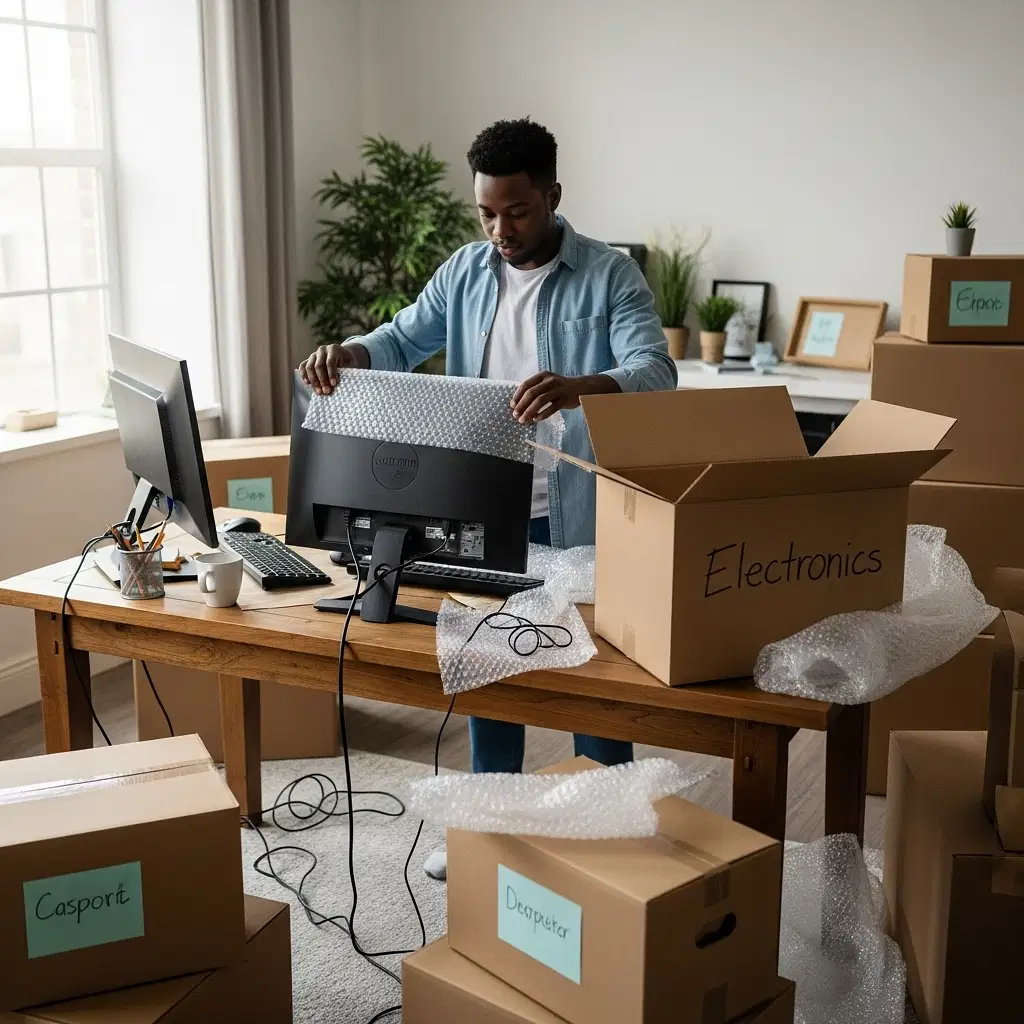
Next, it is time to tackle the dreaded cable nest behind your desk. Before you unplug a single wire, take clear, well-lit photos of the back of your workstation, television, and audio receivers from multiple angles. These visual references will save you hours of frustration when you are trying to set up your systems in your new space. As you disconnect your devices, use color-coded labels or masking tape to tag each cord and its corresponding port. Neatly coil the cables, secure them with velcro ties, and store them in clearly labeled, sealable bags alongside their respective devices.
If you are wondering about the best way to pack multiple monitors for relocation, the key is careful disassembly. Remove the monitors from their adjustable stands or VESA mounts to prevent unusual pressure on the screen during transit. Pack the mounting hardware, including specific screws and brackets, in small bags taped directly to the monitor stands so nothing gets lost in the shuffle. Whenever possible, utilize eco-friendly, rigid plastic moving bins rather than standard cardboard boxes to provide extra crush resistance for these delicate screens.
Securing Desktop Computers and Workstations
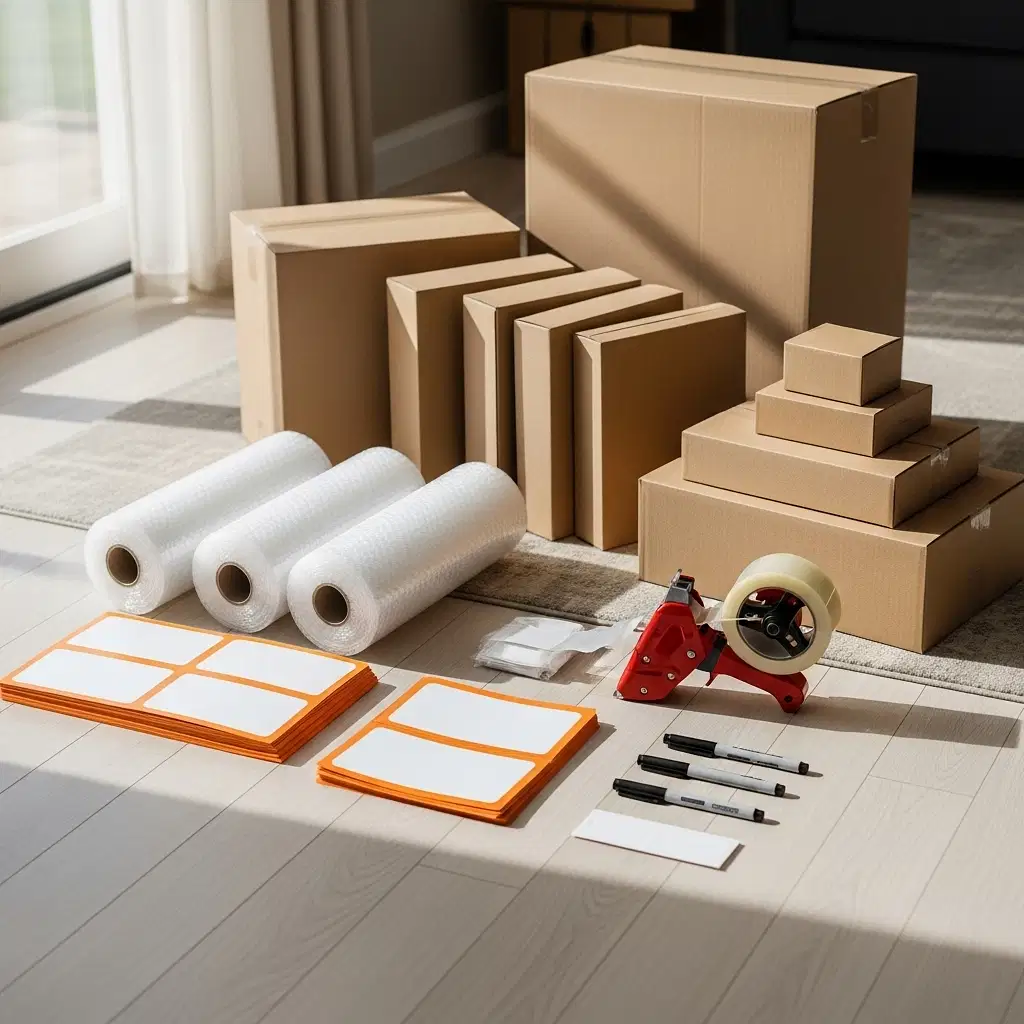
Workstations and custom PC builds are highly sensitive machines, vulnerable to shock, vibration, and sudden temperature changes. If you were prudent enough to keep the original manufacturer packaging—complete with the molded styrofoam inserts that perfectly cradle your computer—this is always the safest option for transport. However, if those boxes have long since been recycled, you will need to take extra precautions to recreate that level of protection.
Figuring out how to pack desktop computers for long moves requires thinking about both internal and external protection. First, open the computer case and carefully remove any heavy components that could easily snap off during transit. This includes large graphics cards, bulky aftermarket CPU coolers, and mechanical hard drives. Pack these highly sensitive parts separately in specialized anti-static bags. You must never use standard packing peanuts or bubble wrap directly on exposed circuit boards, as these materials can easily generate static electricity that has the potential to instantly fry your internal components. Instead, fill any remaining empty space inside the computer case with specialized anti-static packing foam to prevent delicate wires and parts from shifting.
Once the inside is secure, wrap the sealed computer tower tightly in heavy-duty moving blankets, securing them with packing tape. If you are utilizing long-distance moving or interstate moving services for a major relocation out of California, be sure to clearly communicate with your moving crew about which boxes contain sensitive electronics. This ensures they can be strategically loaded in areas of the truck that minimize excessive vibration and extreme temperature fluctuations.
Protecting High-End Audio and Smart Home Equipment
Beyond the home office, many modern homes are equipped with sophisticated entertainment centers and integrated smart home systems. Transporting high end audio equipment safely requires a delicate touch and an understanding of how these components are constructed. Vintage turntables, tube amplifiers, and high-fidelity speakers are incredibly fragile and can easily be thrown completely out of calibration with just one wrong bump.
Begin by removing any detachable elements from your audio gear. For a turntable, this means carefully removing the platter, securing the tonearm with a twist tie, and detaching the counterweight to pack separately. For tube amplifiers, carefully remove the vacuum tubes, wrap them individually in soft tissue and bubble wrap, and pack them in a rigid box. For large, floor-standing speakers, wrap the entire unit in thick moving pads, paying special attention to protecting the fragile speaker cones on the front face.
Always transport heavy audio receivers and amplifiers flat on their feet—never resting on their sides—to prevent internal transformers and circuit boards from shifting out of alignment due to gravity. For smart home devices like central hubs, smart displays, and security cameras, pack them tightly in sturdy boxes with generous amounts of cushioning, treating them with the exact same care you would give to delicate crystal glassware.
Trust the Professionals for Your Tech Relocation
Relocating your valuable home office and entertainment technology does not have to be a major source of anxiety. By taking the time to back up your data, meticulously organize your cables, and invest in the correct anti-static packing materials, you can successfully safeguard your expensive investments against the inevitable bumps and jolts of the road.
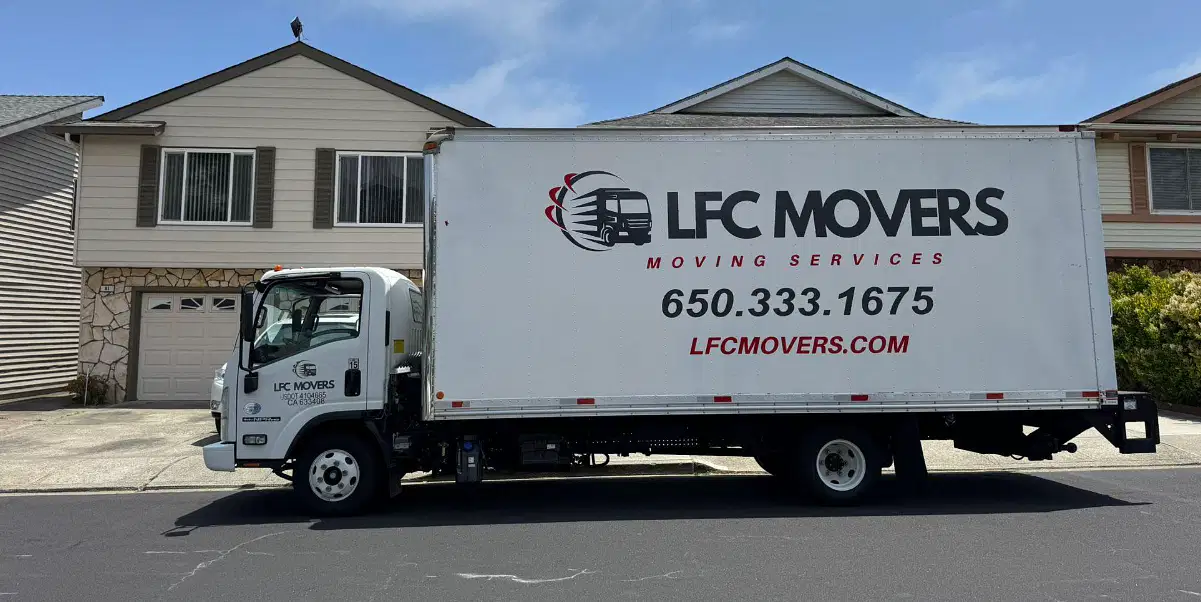
However, the absolute best way to ensure the safety of your high-value items is to partner with experienced moving professionals who prioritize careful handling, punctuality, and transparent, no-hidden-fee service. As your trusted local experts here in the greater San Mateo area, LFC MOVERS LLC is fully licensed, insured, and equipped to handle even the most complex workstation setups and fragile electronics. We pride ourselves on clear communication and careful execution, giving you total peace of mind on moving day.
Ready to experience a truly seamless, stress-free relocation? Reach out to the team at LFC MOVERS LLC today to learn more about our specialized moving services, request a transparent estimate, and secure your spot on our schedule. Let us handle the heavy lifting while you focus on getting back to work and enjoying your new home.